
Setting
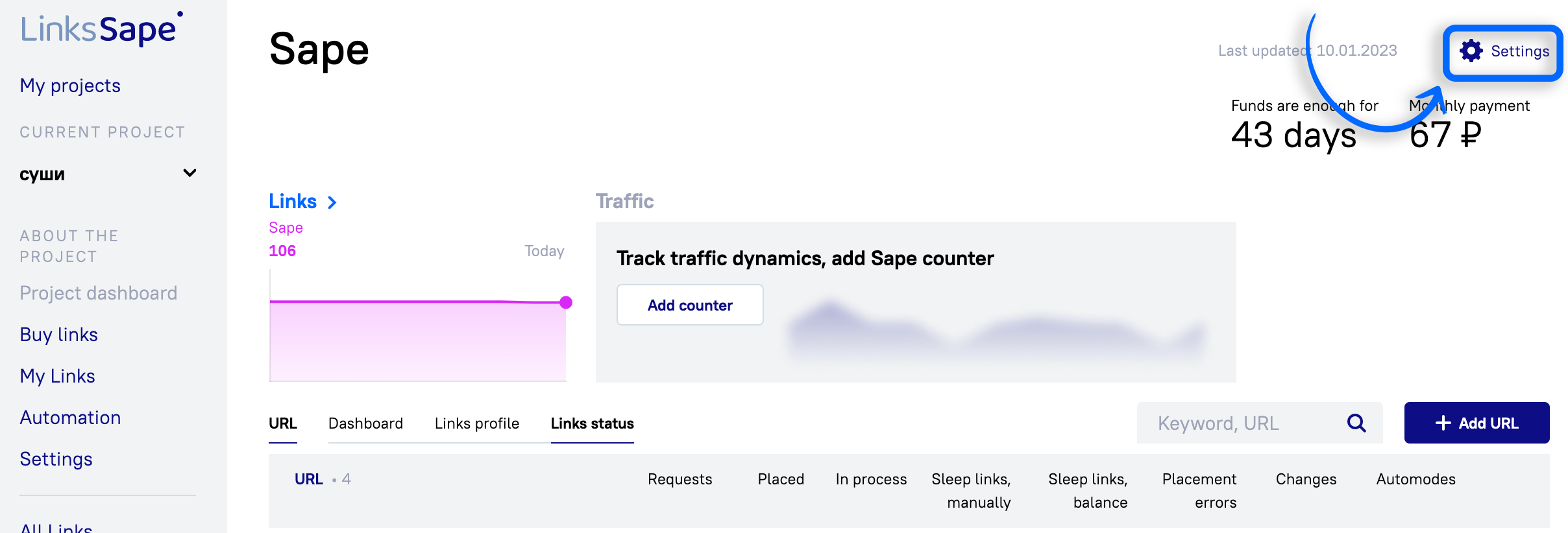
The gear in the top right corner leads to its settings.
General
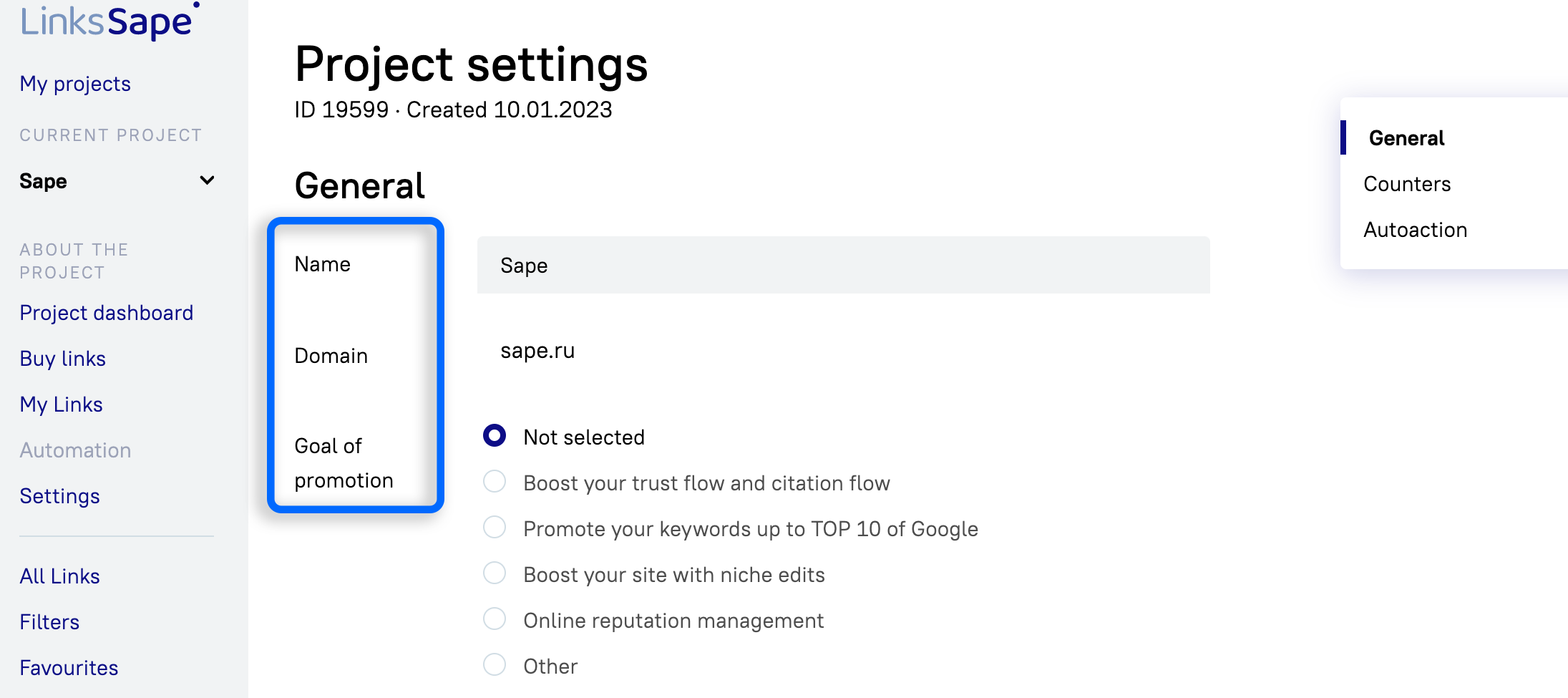
Name — can be edited at any time
Domain
Goal of promotion — can be edited at any time
Counters
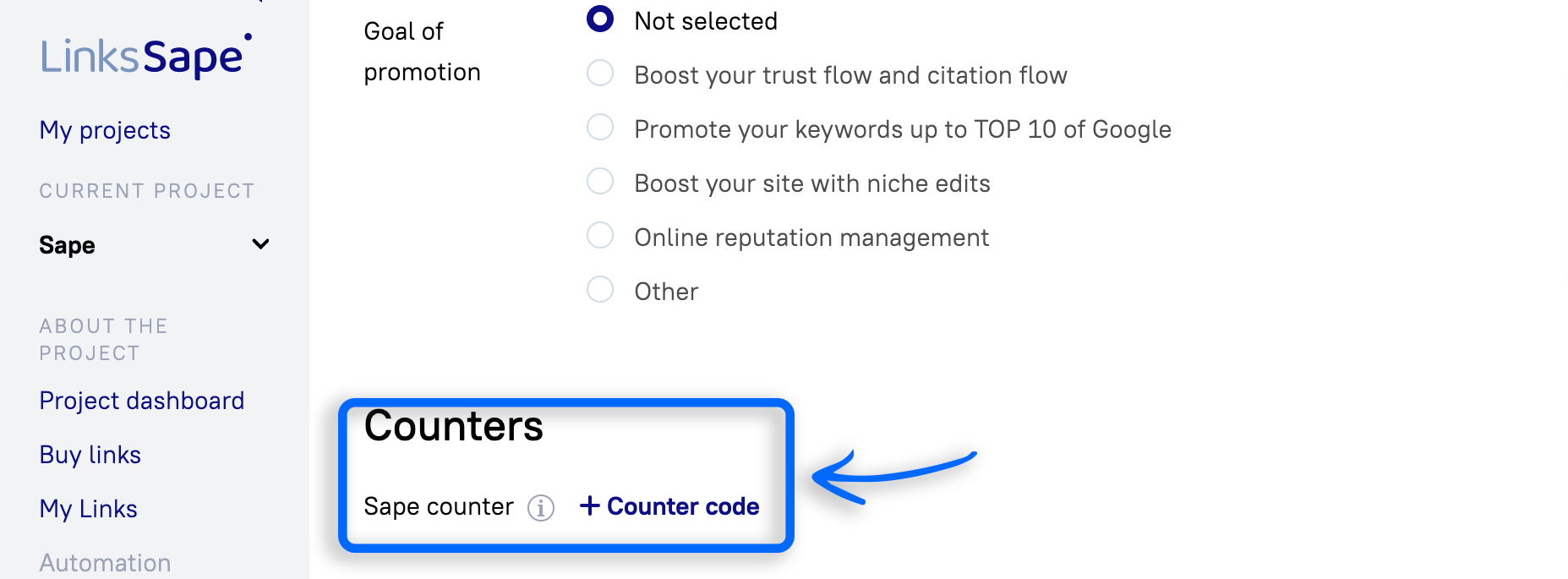
Sape counter — connect the counter to view traffic data on added URLs.
Autoaction
For Guest Posts
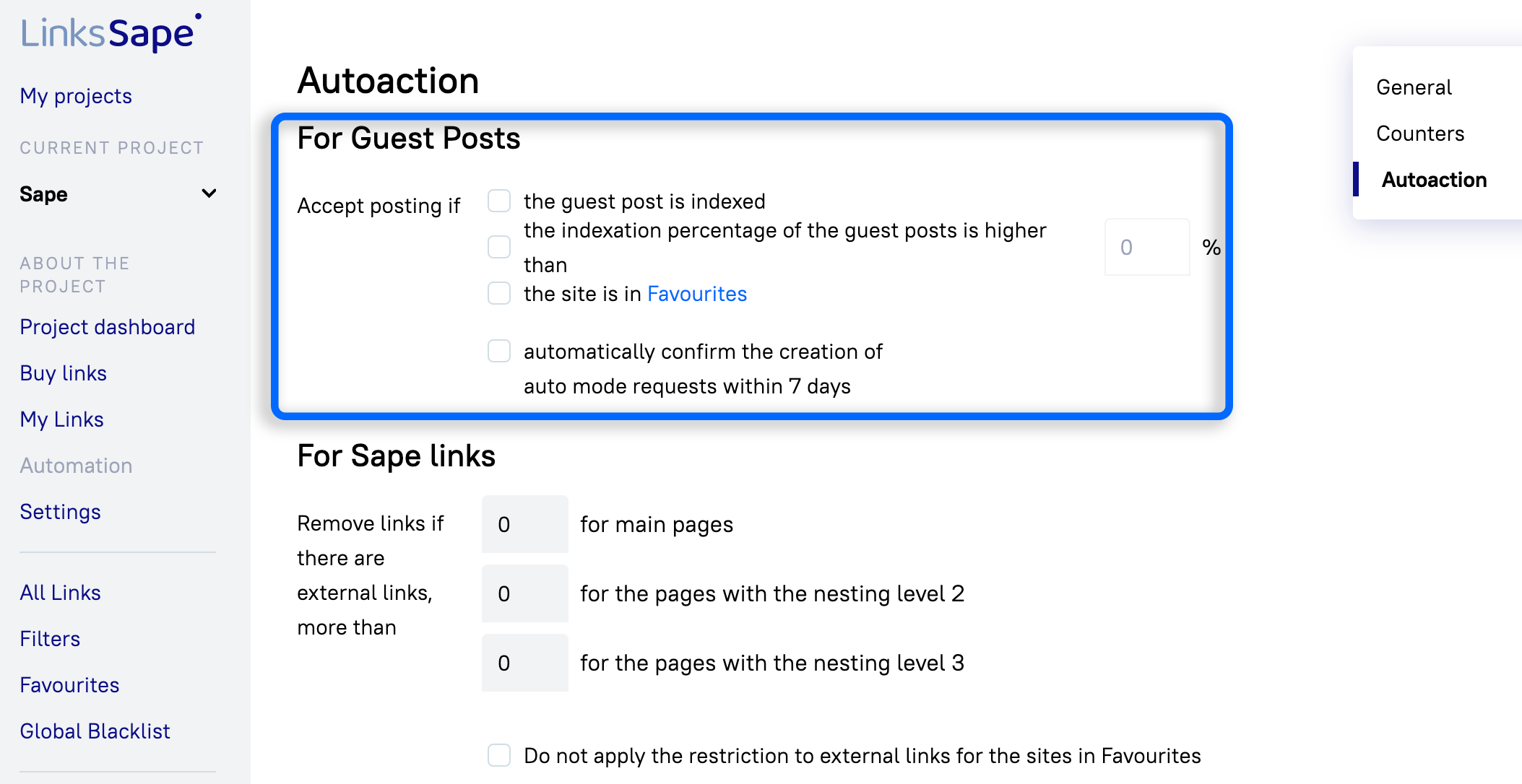
Accept posting if:
the guest post is indexed - automatic acceptance of the article if it has been indexed ;
the indexation percentage of the guest posts is higher than - automatic acceptance of the article if the percentage of article indexation on the website is greater than the specified percent;
the site is in Favourites - automatic acceptance of the article if they are posted on the site from favorites;
automatically confirm the creation of auto mode requests within 7 days - Automatic acceptance of the article after 7 days if it was purchased as part of the autograph.
For Sape links
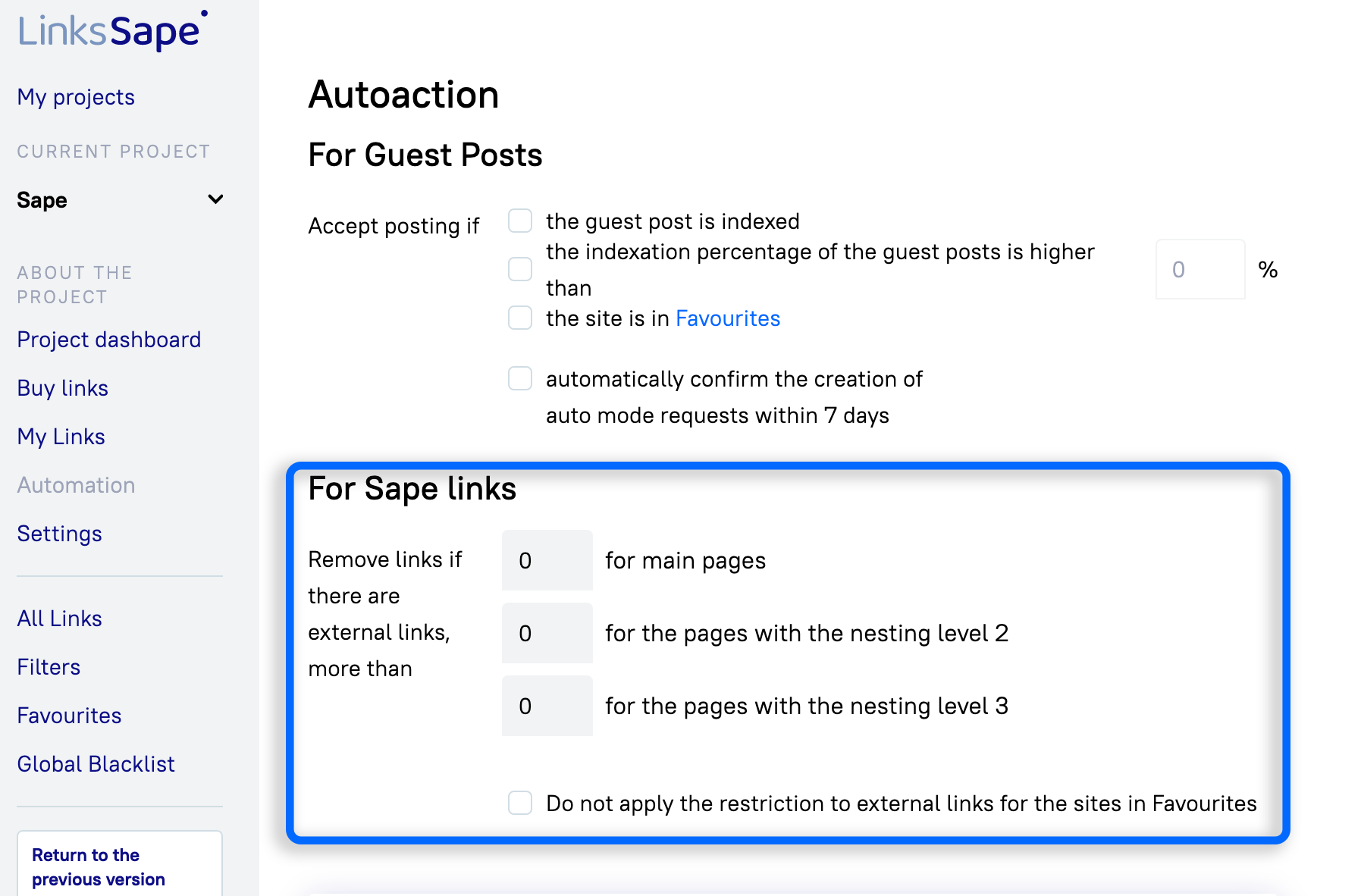
Remove links if there are external links, more than selected number
for main pages
for the pages with the nesting level 2
for the pages with the nesting level 3

You can then save the changes or archive the project. The archived project is not displayed in the general list of projects on the home page. You can only archive a project without active backlinks and running Auto Modes. The project can be unarchived at any time: select the group "Archive" in the section "My projects" and click on the button "Unarchived".